
Status Alerts
Valotalive’s Status Alerts app (early access) pushes a full-screen alert to every connected display. You can trigger this with a single toggle from any browser, with no Valotalive login required at the moment it matters. Configure in advance so the message is ready before the situation is. The alert stays live until you toggle it off, then every display returns to its normal content.
- Easy setup
- No Credit card needed
- 14-day free trial
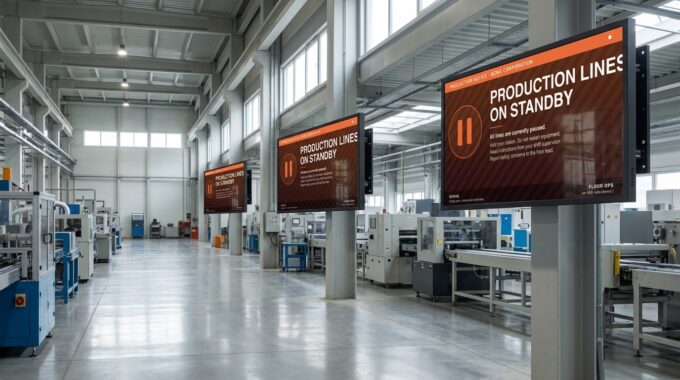
When the Floor Needs to Know in Seconds, Not Minutes
A line stops. An incident triggers a lockdown. A delivery slips. The first wave of communication — a radio call, an intercom announcement, a group chat — reaches the people nearest the device. Everyone else finds out late, or through the rumour mill.
Digital signage is already in front of every team. But pushing an alert to it usually means logging into a CMS, building a slide, and assigning it to the right displays. By the time the message is live, the moment has passed. Status Alerts removes every step between “we need to tell the floor” and “the floor knows.”
Valotalive’s Status Alerts Features
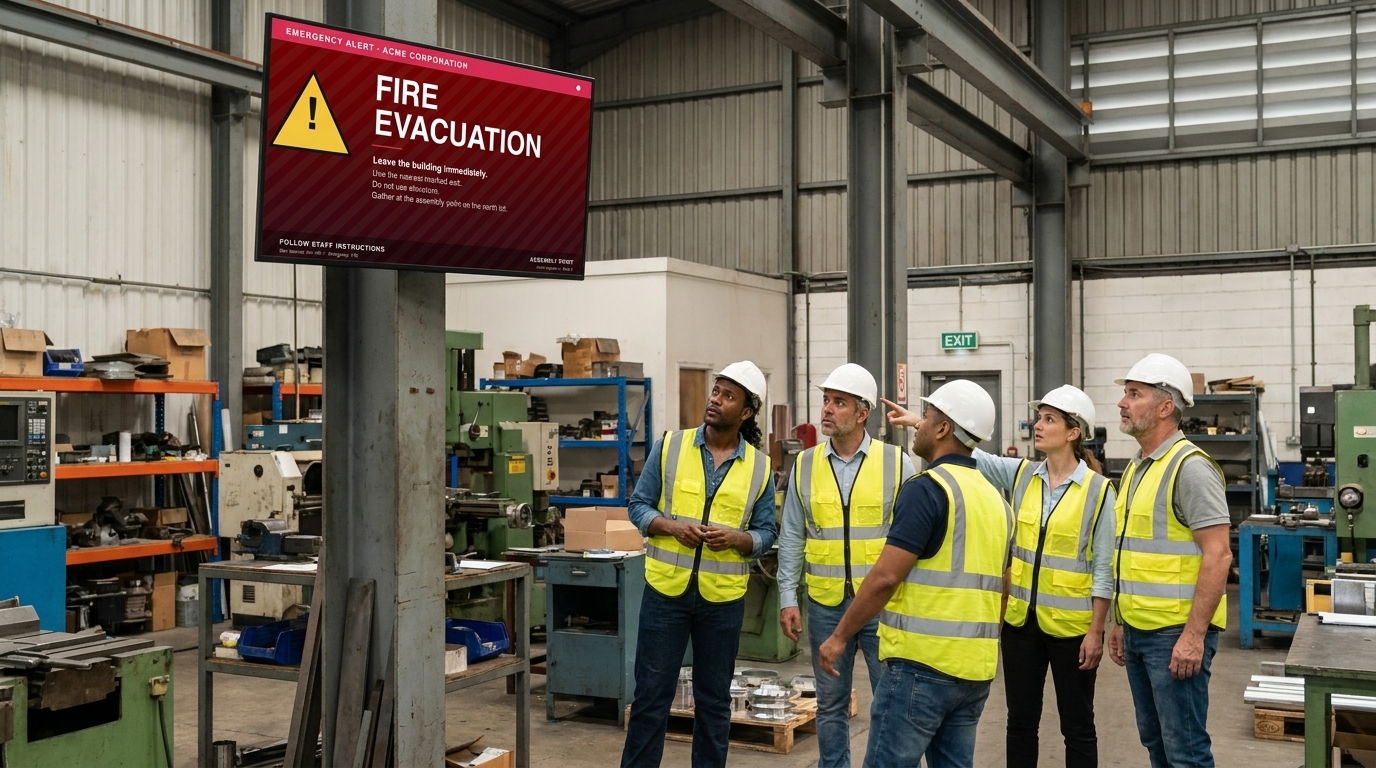
One toggle, every display, immediately
- Open the Status Alert Control panel in any browser, flip a toggle, and the alert image shows on every connected Valotalive display in seconds.
- No CMS workflow, no slide building, no per-display assignment at trigger time.
- The alert stays live until you toggle it off — no automatic timeout that fades the message before the situation is resolved.
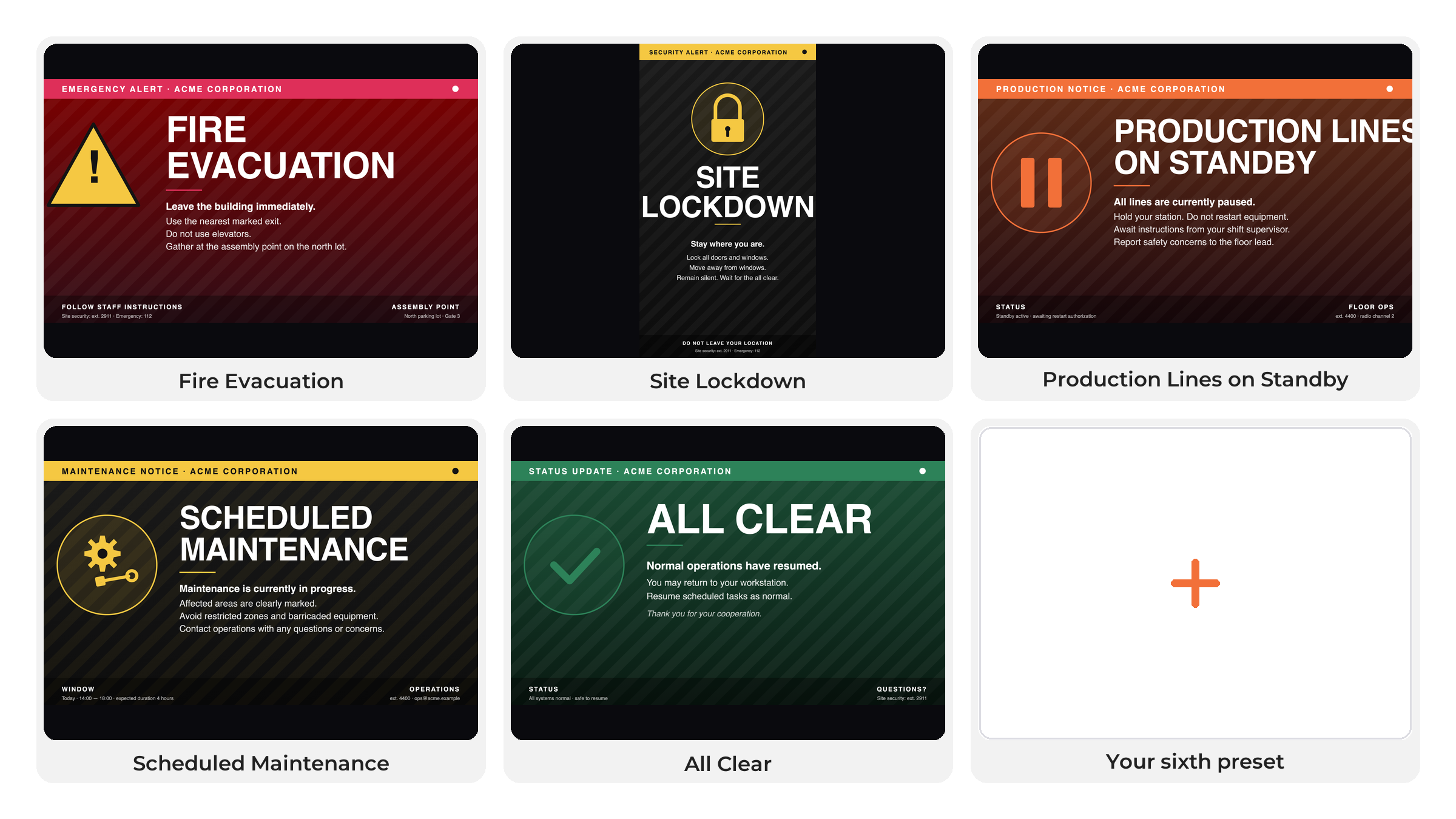
Six branded presets, configured before you need them
- Configure up to six full-screen presets in advance — fire evacuation, line stoppage, all-clear, a maintenance window, “visitors on site,” or anything else your team needs to show on every screen.
- Each preset is a message and image you own end to end: branding, headline, instructions, contact details, escalation numbers.
- Edit a preset’s title or image whenever the message or visual changes — no new secret URL, no reconfiguration on the displays.
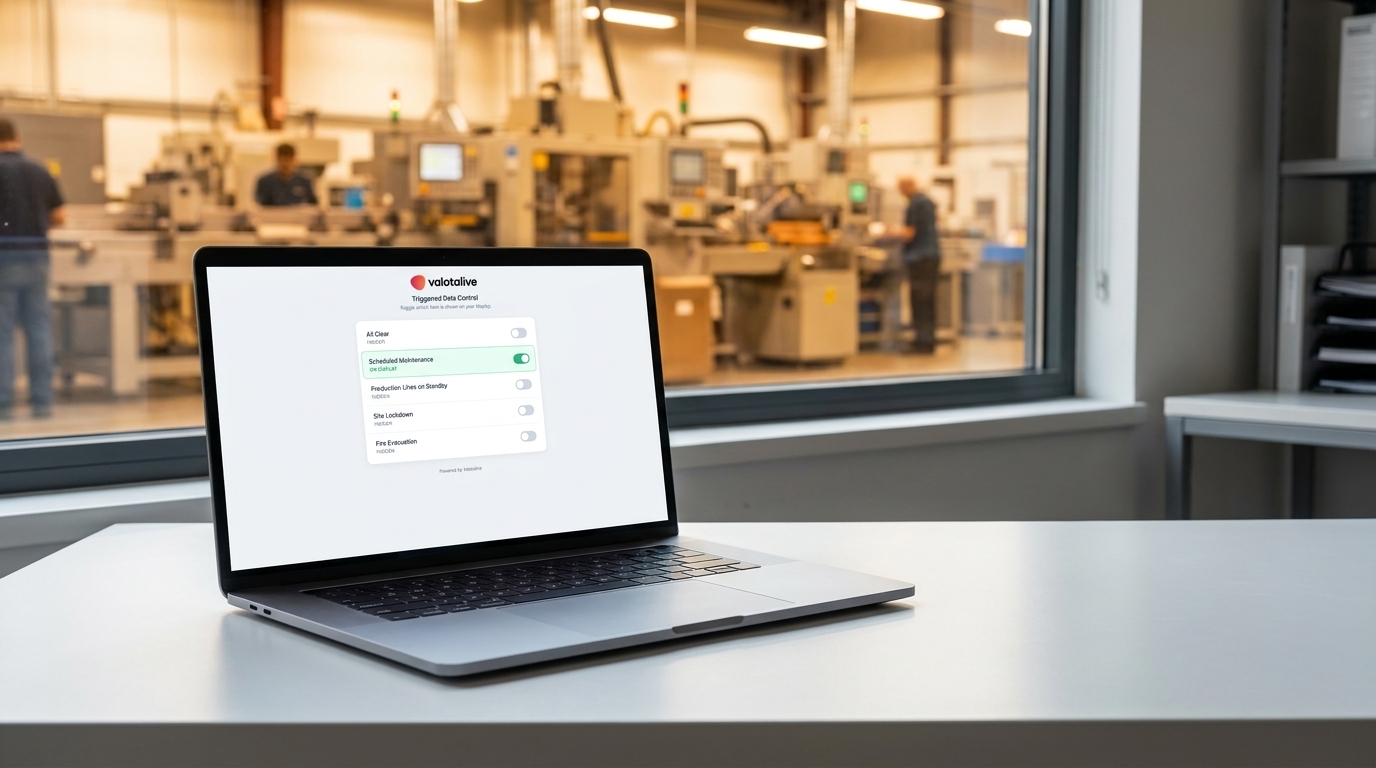
Securely trigger from any browser – no login needed
- The Status Alert Control panel opens via a secret URL your Admin shares with the team. Anyone who needs to fire an alert can — without a Valotalive account.
- Bookmark it on a supervisor’s laptop, the security desk browser, or a shift-lead workstation. The Control panel is designed for desktop browsers.
- One preset is active at a time. Toggling another preset replaces the first, so there’s no ambiguity about what every screen is showing.
Resilient when the network isn’t
- If a display is offline when you trigger the alert, it shows the alert as soon as it reconnects.
- When the situation resolves, toggle off and every display returns to its normal scheduled content automatically.
- No leftover slides to remove, no cleanup workflow, no half-cleared screens.
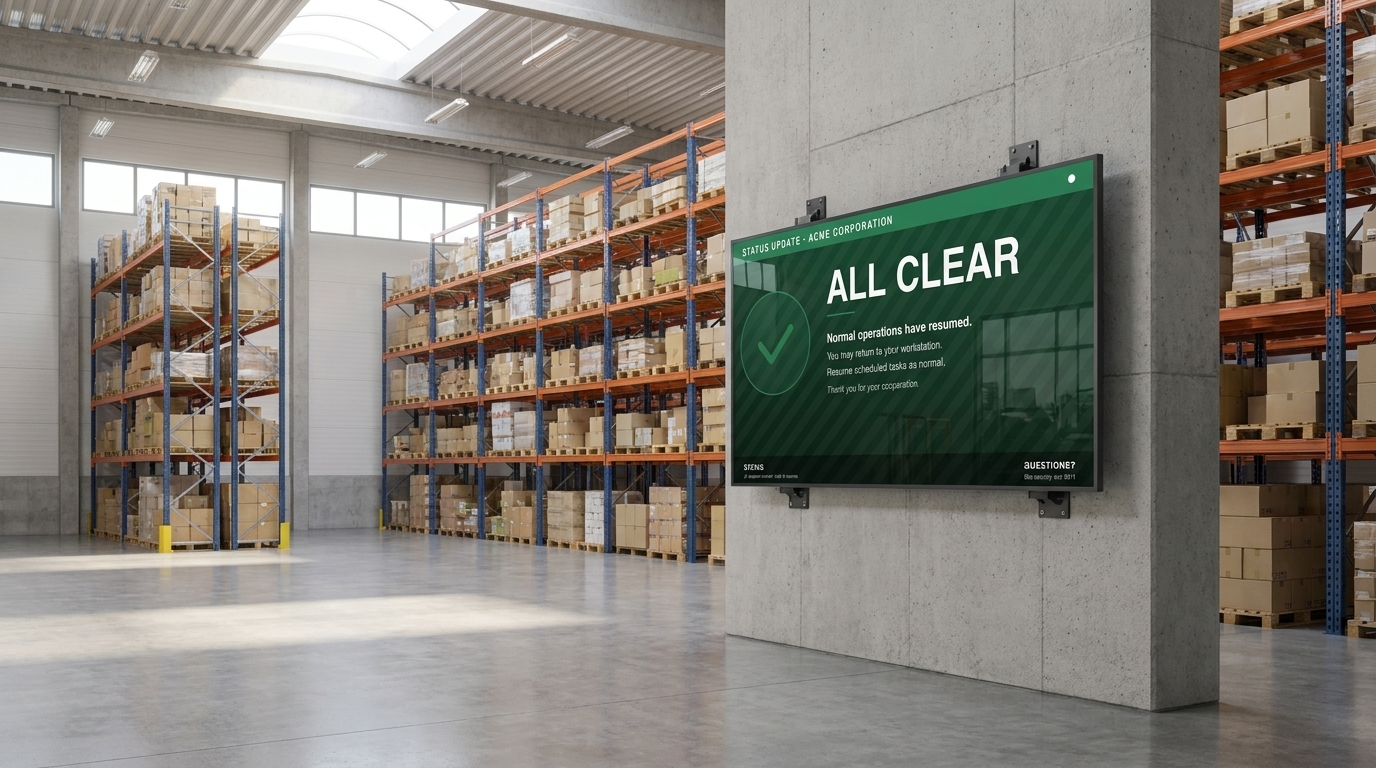
Why Floor Teams Actually Use It

Reach everyone at once
Every Valotalive display flips to the alert the moment you toggle it on — no daisy chain of phone calls, radio, or PA.

Own the trigger, not the platform
Supervisors, security, and shift leads can fire an alert without a Valotalive admin account or training.

Branded the way you want
The visual is your image — headline, colours, contact details, all on brand and clear at a glance.

Always falls back safely
Toggle off and every display returns to its normal content automatically.
Where Status Alerts Fits
Status Alerts is built for the moments when speed matters more than dashboard precision — a line stoppage, an evacuation, a scheduled maintenance window. It runs on the same Valotalive platform that powers your everyday content, so there’s no extra hardware, no separate displays, and no parallel system to manage. It complements your everyday operational content — the alert simply takes over the screen when it needs to, and steps aside when it doesn’t.
Manufacturing line stoppages
Toggle a Production Lines on Standby preset the moment a fault stops the line, so every operator sees the same status from the same screen they already watch.
Site lockdown and evacuations
Push a fire evacuation, shelter-in-place, or lockdown alert to every facility display in seconds — security and reception don’t need a Valotalive admin login to trigger it.
Scheduled maintenance windows
Replace a fragmented email and intranet announcement with a single full-screen notice that goes live the moment maintenance starts and clears the second it ends.
Warehousing and distribution events
Surface delayed inbound deliveries or shipment changes to the warehouse floor without anyone leaving their station to read an email.
Frequently Asked Questions
No. Once your Admin has configured the presets and shared the Status Alert Control panel URL with the team, anyone with the link can trigger or clear an alert from any desktop browser. The Admin role is only needed to configure presets in the Valotalive dashboard.
Up to six. Each preset is a title plus a full-screen image (JPEG or PNG, 4K landscape recommended). You can change a preset’s title or image at any time without reissuing the control URL.
Emergency Messages is a free-text alert (red background, white text) triggered from inside the Valotalive dashboard, and can be targeted to individual displays or groups. Status Alerts uses pre-designed branded images, goes to every connected display at once, and triggers via a shareable URL without a login. Use whichever fits the situation — they coexist.
Status Alerts pushes the active preset to every connected display in your account. For per-display or per-group targeting, use Emergency Messages or schedule content in the dashboard.
It shows the alert as soon as it reconnects. The alert stays active across the rest of the fleet until you toggle it off.
Status Alerts is currently in early access. Contact your Valotalive Account Manager or support@valota.live to have the app opened for your account.
