
HTML App: AI-Built Apps on Your Screens
Valotalive’s HTML App (coming soon) is a digital signage app that runs any self-contained HTML file on your displays. Describe the screen you want to an LLM – Claude, ChatGPT, Gemini, Copilot – save the .html file it returns, and push it to Valotalive from an upload page or with a single curl command. It is live on screen in seconds.
When the numbers change, push a new version the same way. No developer ticket, no server to host, no template to fit into. The HTML App covers the dashboards, counters, and boards that have no ready-made app yet – on the same displays and Flows as the rest of your content.

When the Ready-Made App Doesn’t Exist Yet
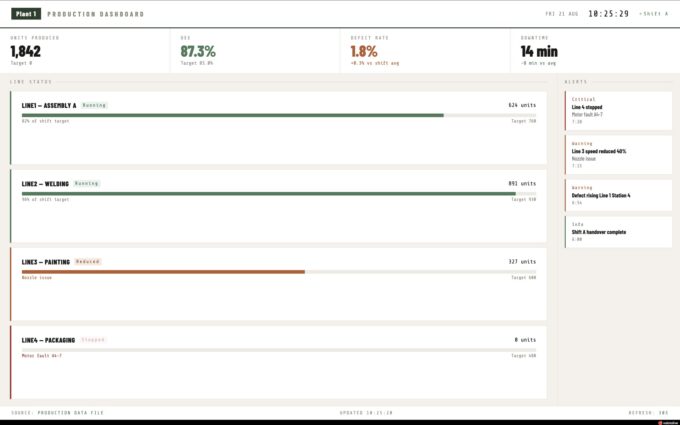
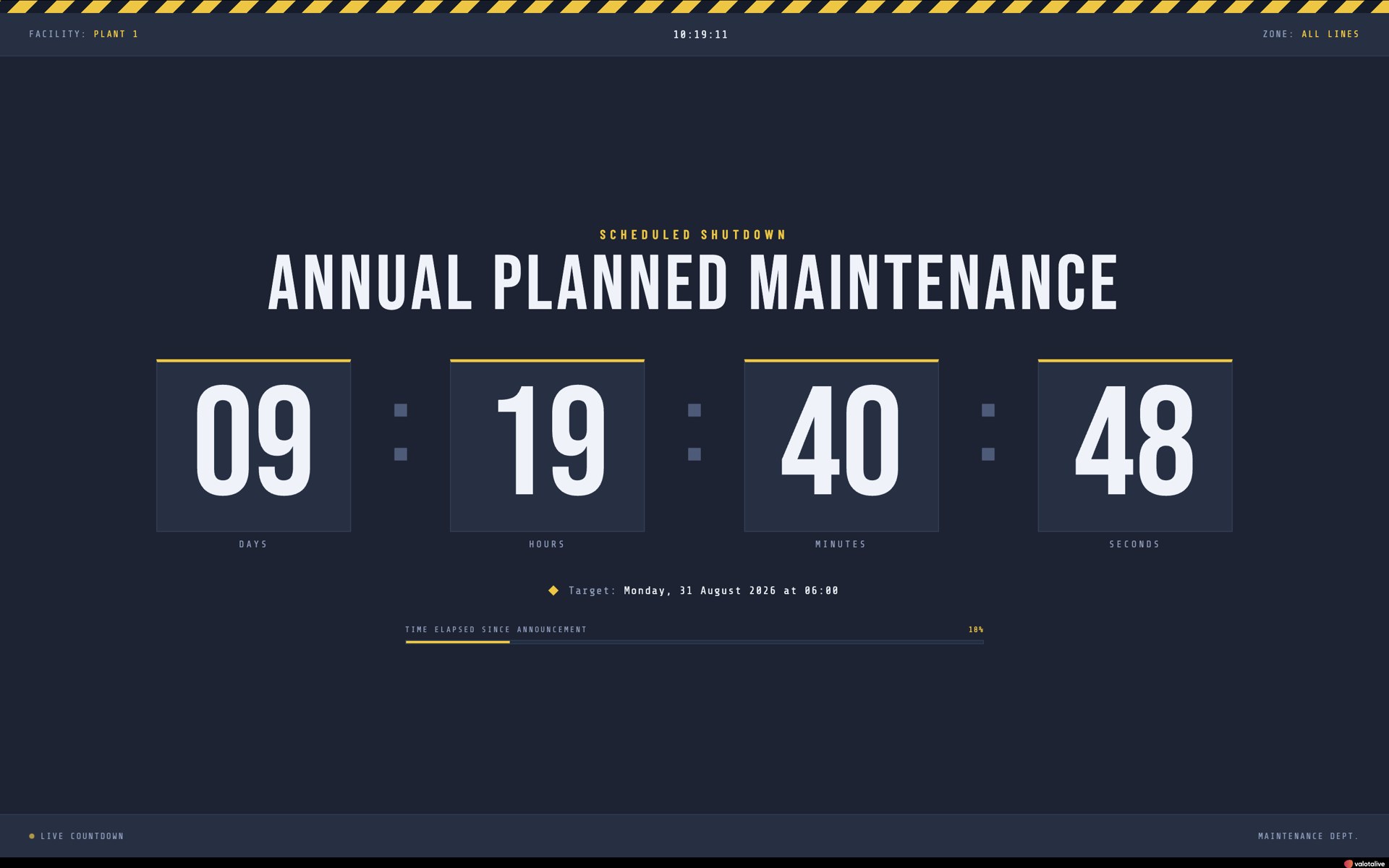
Most of what a team wants on a screen already has a Valotalive app: Power BI, SharePoint, Excel, PowerPoint, and dozens more. But every site has the other list – the maintenance countdown, the shift target versus actual, the days-without-incident counter in exactly your colours, the event board for next week. Until now those meant a developer request, a hosted web page to maintain, or a template that almost fit.
The HTML App closes that gap. An LLM writes the app, you push the file, and Valotalive shows it – scaled to the display, scheduled in a Flow, managed like every other app. Custom content without a custom project.
Valotalive’s HTML App Features
Build it with any LLM – no coding, no templates
- Describe the layout, the data, and the look in plain language. The LLM returns one .html file with the structure, styling, and logic inside.
- Open the file in a browser to check it, then iterate: a bigger font, your brand colours, a logo. Each round is an updated version of the same file.
- Design freedom is complete – every element of the layout and branding is yours to decide, not a template’s.
- New to vibe coding? See how to build and deploy an AI-built app, step by step.
Upload from a browser or push with one command
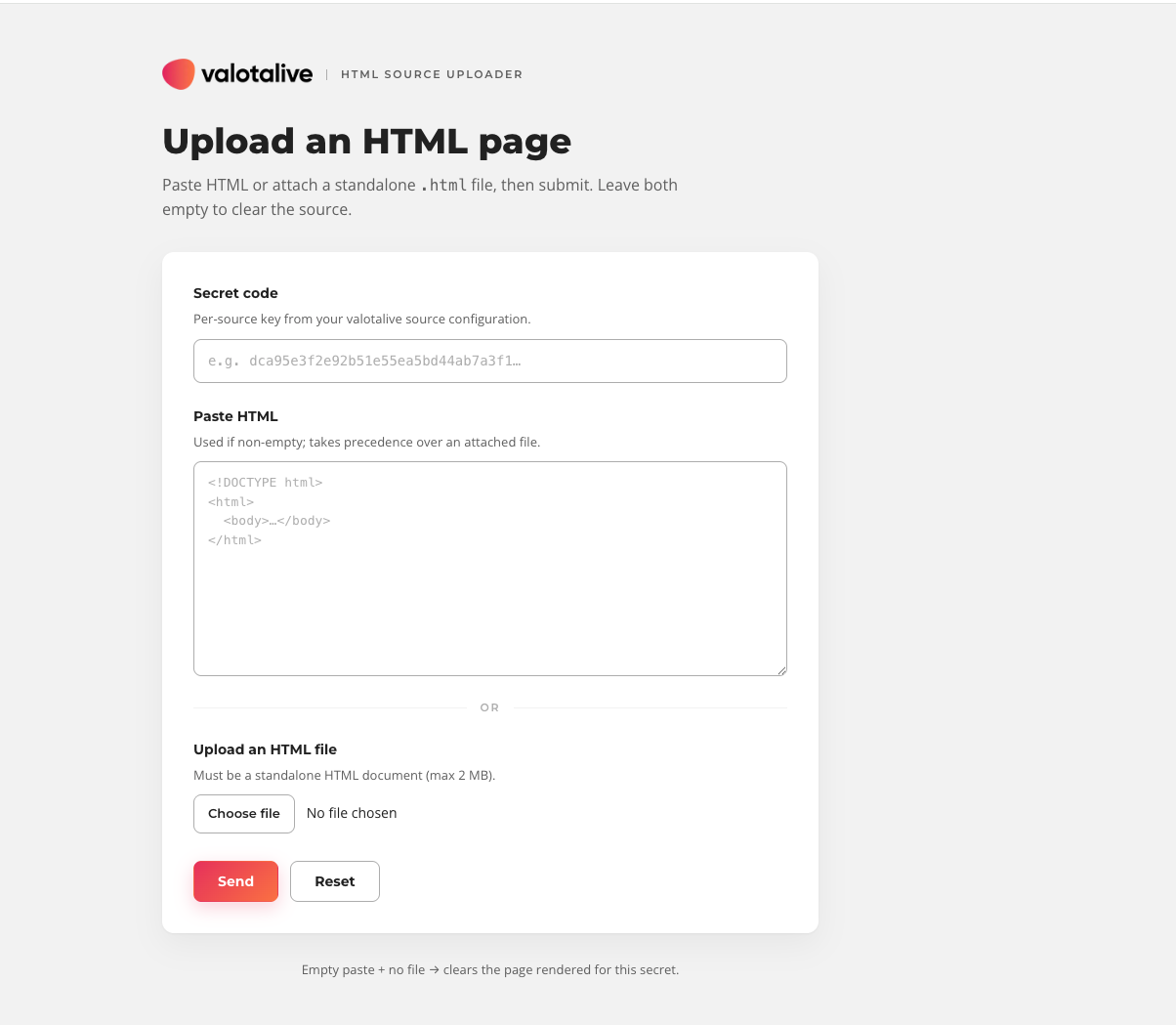
- The upload page: paste your Secret key, then paste the HTML or choose the .html file and click Send. No Valotalive login is needed on that page.
- The command line: one curl command with your Secret key and the file path – easy to script or fold into a repeatable workflow.
- Every push replaces the previous content on that display within seconds. Send an empty update to clear it.
Keep the data current your way
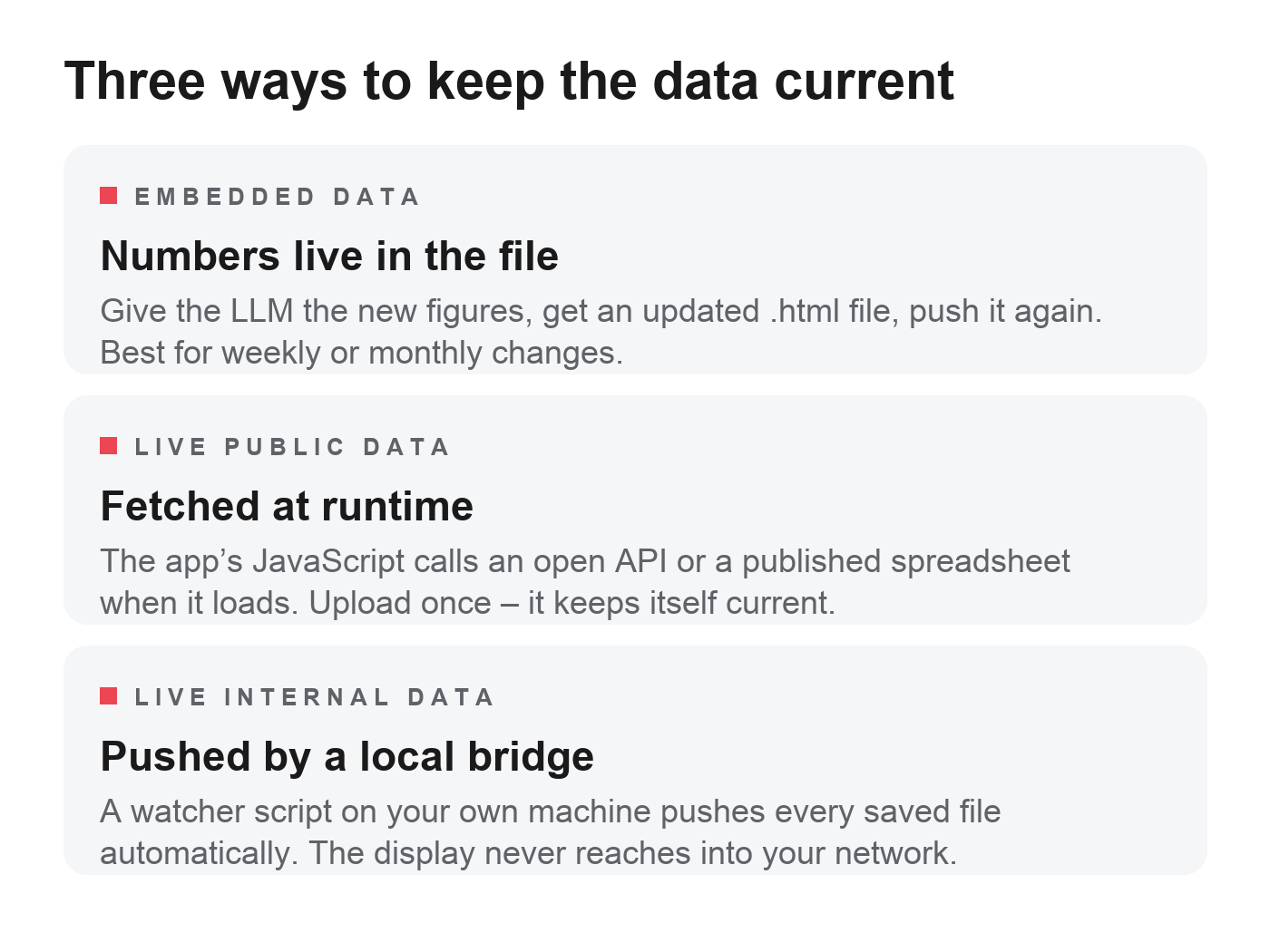
- Embedded data: the numbers live in the file. Hand the LLM the new figures, get an updated file, push it again. Best for content that changes weekly or monthly.
- Live public data: the app’s JavaScript fetches an open API or a published spreadsheet at runtime. Upload once – the app keeps itself current.
- Live internal data: a local bridge script on your own machine watches the file and pushes each new version automatically. The display never reaches into your network.
Runs on your displays and Flows like every other Valotalive app
- Activate the HTML App in the Valotalive dashboard (Admin role), give it a title, copy its Secret key, and add it to a display or a Flow.
- Valotalive scales the app to each display’s resolution automatically. Set a fixed window size only if the layout needs a specific viewport.
- One Secret key per app instance. Regenerate it at any time from the Configuration tab to invalidate the old one.
Idea to Screen in Minutes, Without a Project

Minutes, not tickets
Describe it, save the file, push it. The first version is on screen before a developer request would have been triaged.

Your design, fully
Layout, colours, fonts, and branding are exactly what you asked for – not what a template allowed.

Nothing to host
A self-contained file runs on the display. No server, no database, no backend to patch or secure.

Same screens, same control
Schedule it in a Flow next to Power BI and SharePoint, manage it from the same dashboard, retire it when the job is done.
Where the HTML App Fits
The HTML App sits between Valotalive’s ready-made apps and a custom development project. When a dedicated app exists for your source – Power BI, SharePoint, Excel, SAP Analytics Cloud – use that: less work, easier to maintain. When you need to show a web page you already host, the Web App does that by URL. The HTML App is for everything else: an app that doesn’t exist yet, built to your brief, with no hosting of its own. It runs alongside the Digital Tier Board and Interactive Notice Board on the same platform.
Production floor
Shift production target against actual output, machine uptime and downtime, a maintenance countdown, days without a safety incident, quality metrics for a line or a cell.
Office and workplace
Meeting room availability, a company news ticker from an RSS feed, the lunch menu of the day, office weather and commute times.
Events
Conference schedules, speaker line-ups, and live poll results – built the morning of the event and retired the day after.
Public data feeds
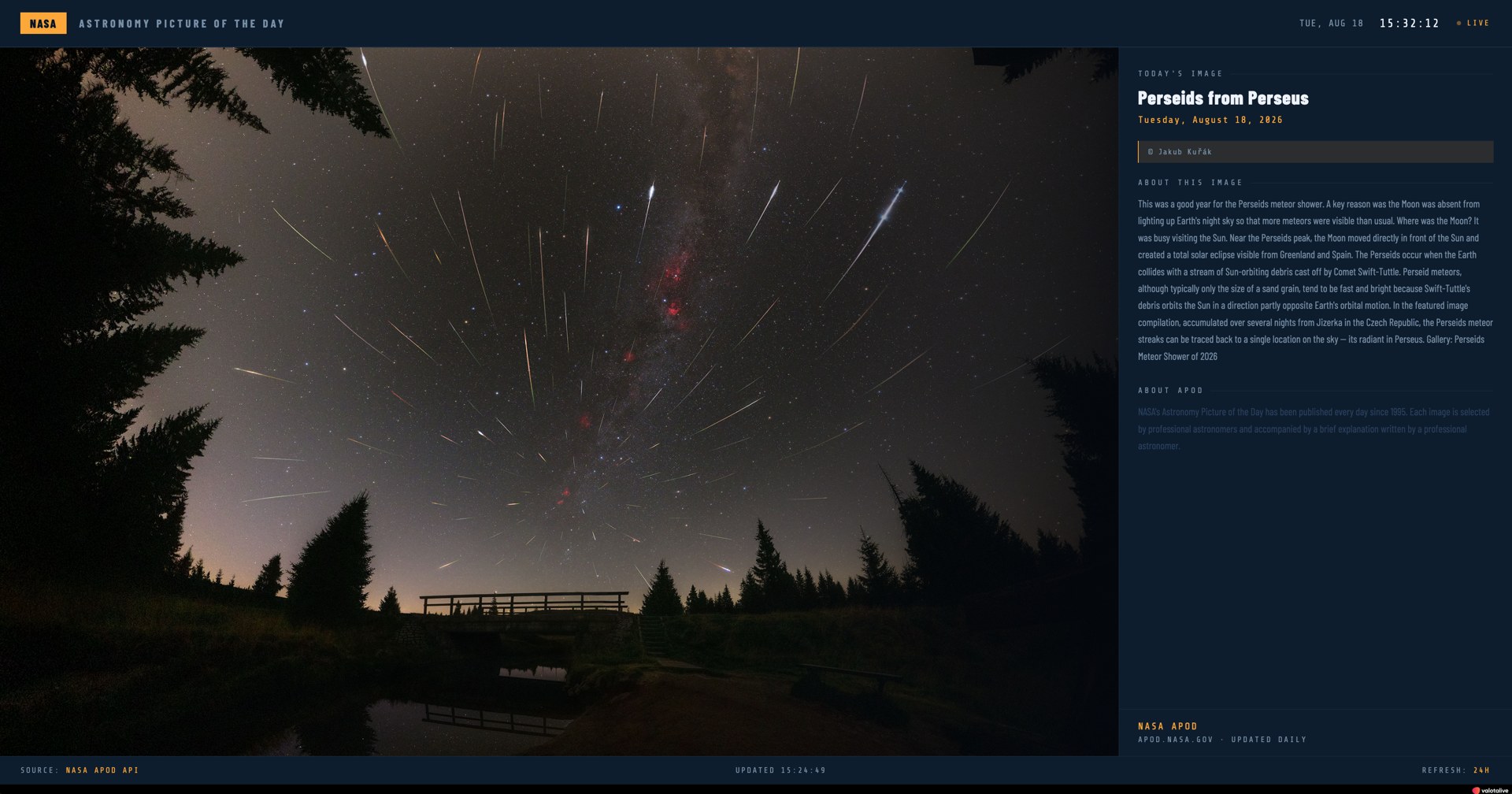
Anything with an open API or a published spreadsheet. The NASA Astronomy Picture of the Day runs on a Valotalive screen from one 15 KB file.
Frequently Asked Questions
A Valotalive app that displays any self-contained HTML file you push to it. You create the file – with an LLM, a code editor, or any other tool – and send it to the app instance using its Secret key, from the upload page or with a curl command. The display updates within seconds.
No. Describe the screen you want to an LLM such as Claude, ChatGPT, Gemini, or Copilot, and ask for a self-contained .html file. Test it in your browser, then paste or upload it to Valotalive. If you do write code, the app accepts any valid HTML, CSS, and JavaScript.
The Web App shows a web page you already host, by URL – the display loads it from your server. The HTML App needs no URL and no hosting: you push the file itself to Valotalive, and it runs on the display. Use the Web App for an existing page and the HTML App for an app that doesn’t exist yet.
A valid, self-contained .html document under 2 MB, with CSS and JavaScript inline or embedded. External stylesheets and scripts may not load if a display sits on a restricted network. Valotalive scales the app to each display automatically; if the layout needs a specific viewport, set the App window size in the Configuration tab.
Yes, in two ways. The app’s JavaScript can fetch a public source at runtime – an open API or a published spreadsheet – so you upload once and it stays current. For data behind your firewall, a local bridge script watches the file on your own machine and pushes each new version automatically; the display never connects into your network.
Push a new file the same way you pushed the first one – from the upload page or with the same curl command. Each push replaces the previous content within seconds, and an empty update clears the display. A local bridge automates the push every time the file is saved.
A self-contained file has no server-side component, so there is no backend to attack. Access is controlled by the Secret key – one per app instance, regenerated from the Configuration tab whenever you need to invalidate it. Keep credentials and internal URLs out of the file, and review the local bridge with your security team before connecting internal data.
The HTML App is coming soon. Contact us for early access and we will open it for your account. Once it ships, activate it from Apps → New apps in the Valotalive dashboard (Admin role required). New to Valotalive? Start a free trial first.