
Production & Shop Floor Communication: Operational Information Where the Work Happens
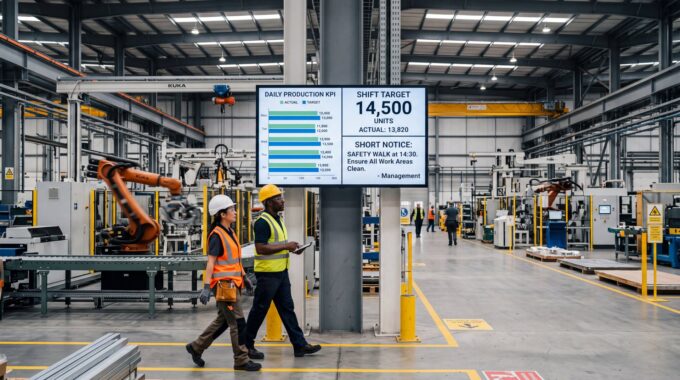
Production and shop floor communication is the always-on layer of operational information on screens where people work — shift instructions, targets, line status, quality notes, safety reminders. Valotalive digital signage software runs that layer on the screens you already have, updating itself from the systems you already use.

Why Put Operational Information on Shop Floor Screens?
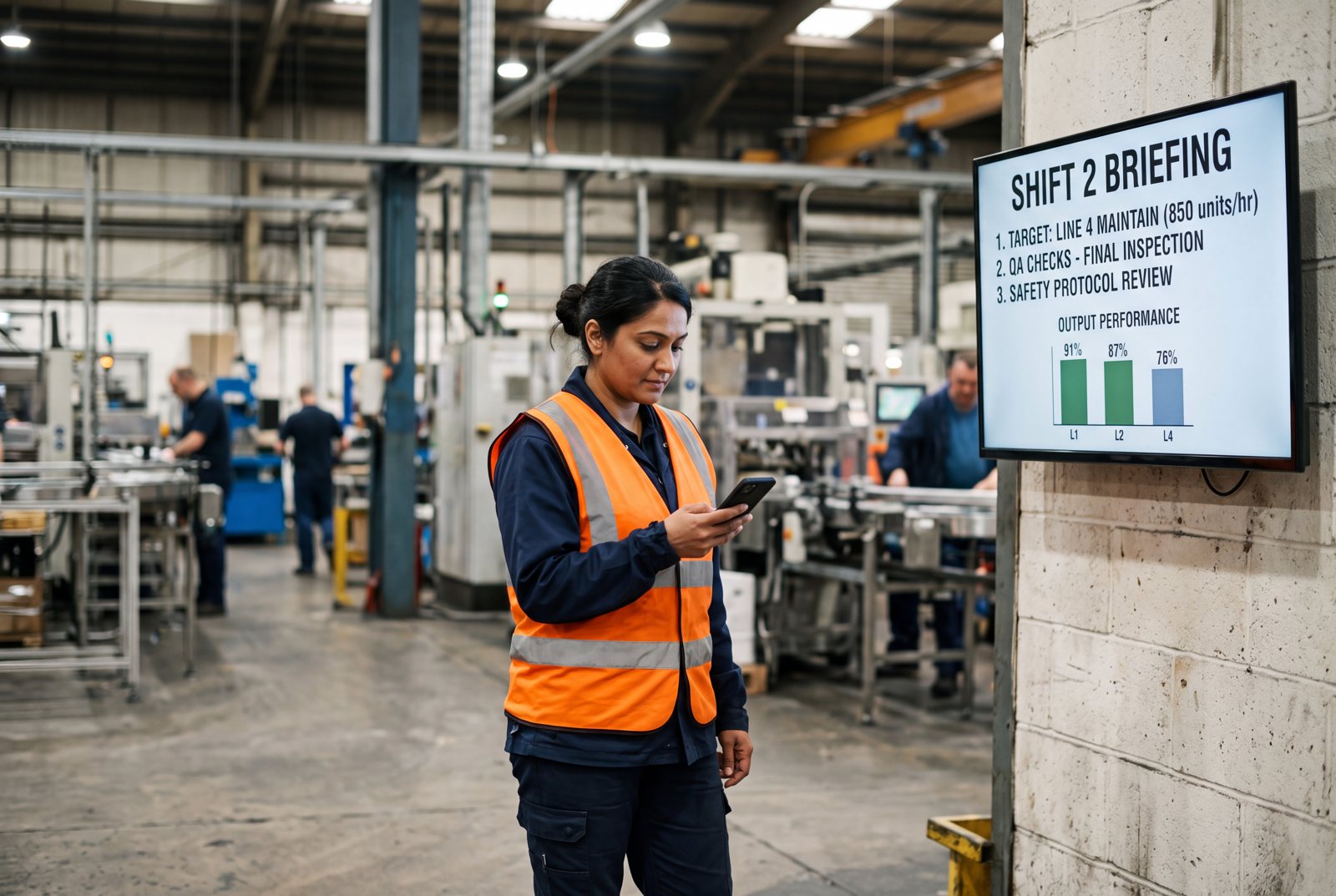
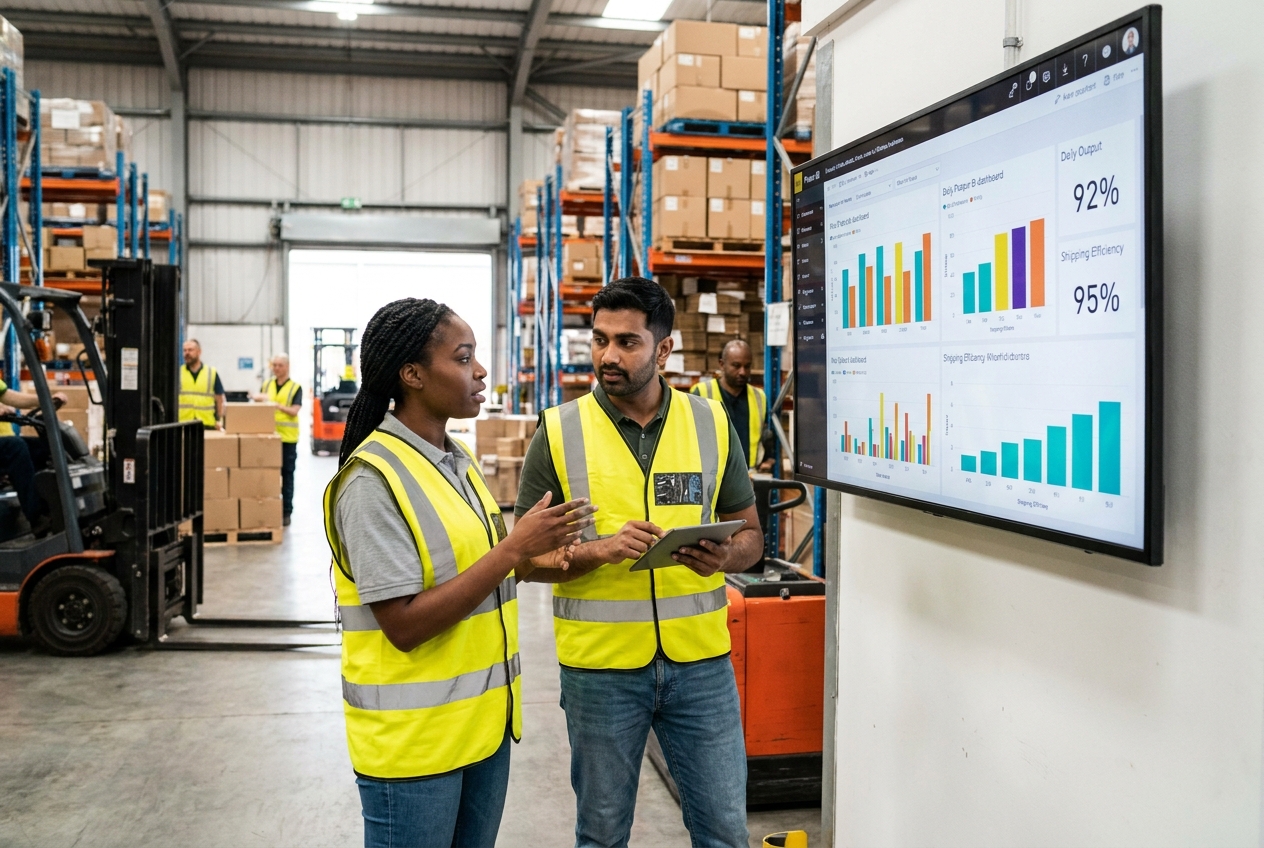
Everyone in the work area sees the same operational picture without doing anything to get it — no login, no device, no app.
Content comes straight from Power BI, SAP, Excel, SharePoint, and your own posts, refreshing automatically — nothing on a screen is yesterday’s information. Each area, line, and shift gets its own targeting from one console. Urgent messages reach every screen in seconds. And one tap turns any screen into an interactive board.
How Does Digital Signage Compare to Shared Computers & Printouts?
Most plants already have all of this information. What they don’t have is a reliable way to put it in front of people who are standing at a machine. Here is what changes:
| Shared PCs, printouts, whiteboards | Shop floor communication on Valotalive | |
| Reach | ❌ Information sits behind a login on a shared workstation that deskless workers rarely use — no time, and the workflow doesn’t include sitting down to read | ✅ Visible on screens in the work area. No login, no personal device, no training |
| Freshness | ❌ Boards and printouts get updated when somebody has time; the number on the wall is from the last shift or the last week | ✅ Live from BI, ERP, spreadsheet, and intranet sources on an automatic refresh |
| Line and machine status | ❌ Physical andon lights and manual status boards — one fixed position, one signal, readable only from where you’re standing | ✅ Status shown as data on any screen anywhere in the plant, alongside the context that explains it |
| Urgent messages | ❌ Radio call, PA announcement, or a supervisor walking the floor — reaches whoever is nearby | ✅ A message pushed to every connected display at once |
| Relevance | ❌ One board for everyone, or a board per area that someone has to maintain by hand | ✅ Content targeted by site, area, line, and shift from a single console |
| Across shifts | ❌ A verbal briefing plus a notebook nobody opens again | ✅ The same screen carries the operational picture into the next shift automatically |
| Interaction | ❌ Static — you read what’s posted, or you go find someone who knows | ✅ The same screen switches to a browsable board, or to a meeting workspace, and back |
| Multi-site | ❌ Every site does it its own way with its own hardware and its own habits | ✅ One standard deployed centrally, with local content still targeted locally |
How Does Shop Floor Communication Work on Valotalive?
Valotalive turns screens in production areas, warehouses, break rooms, and at plant entrances into one managed operational channel. A typical setup looks like this — though every plant arranges it differently:
- Connect the systems that already hold the information. Power BI, SAP Analytics Cloud, Microsoft Excel, Google Sheets, Qlik Sense, Tableau, SharePoint, and any web-based dashboard connect through the Valotalive app catalogue. Each source authenticates once with secure tokens, so the screens themselves never need a login.
- Add the operational content that doesn’t live in a BI tool. My Content publishes shift instructions, today’s priorities, a quality reminder, or a photo straight from a browser or phone — the things that are currently a printed A4 taped to a pillar.
- Combine views with Multiview. Put line status, the shift target, and the day’s notice side by side in separate zones on one screen. Each zone refreshes independently.
- Schedule with content playlists (‘Flows‘). Rotate content through the shift, put the shift-start briefing on screen at the beginning of each shift, and run a different rotation in the warehouse than on the assembly line.
- Target with Screen Groups. Group screens by site, building, area, line, or shift and send each group the content that is relevant to it — without maintaining a separate system per area.
- Push urgent messages when something stops. Emergency Messages sends a free-text alert from the Valotalive dashboard and can be targeted to individual displays or groups. Status Alerts pushes a full-screen branded preset — line stoppage, evacuation, maintenance window, all-clear — to every connected display from a shared browser link, with no Valotalive login needed at the moment it matters. Status Alerts is currently in early access, available on request.
- Switch to interactive mode when people gather at the screen. One tap turns the display into a browsable board or a meeting workspace, and it returns to always-on content afterwards. More on this below.
From Always-On to Interactive: How One Screen Does Both
This is the part most digital signage and most dashboard tools don’t do. The same screen runs in two modes, on the same hardware, managed from the same console.
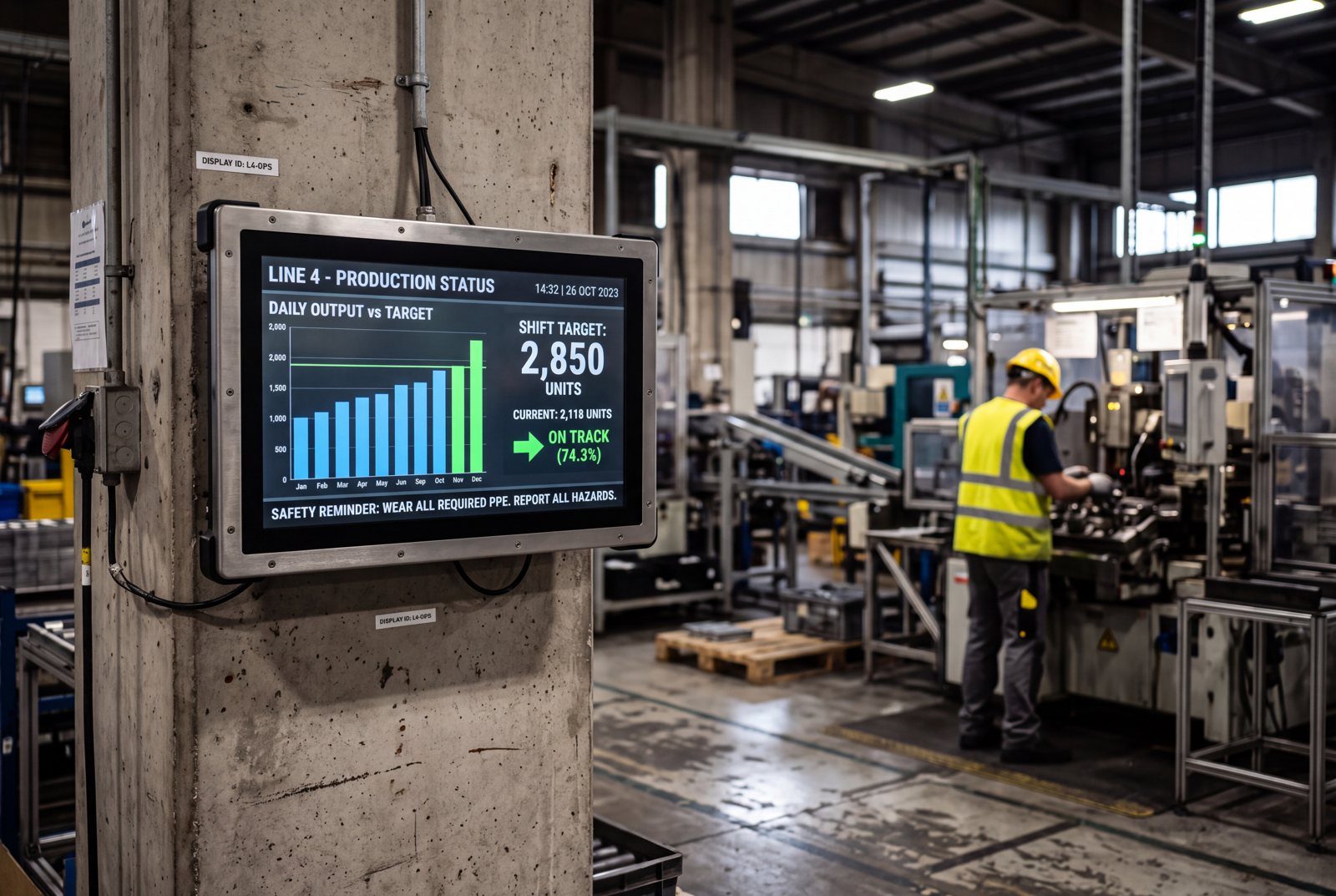
Always-on: the ambient operational channel. Most of the shift, nobody touches the screen. It shows live production data, the current shift’s targets, line and machine status, quality notes, safety reminders, and whatever the shift lead posted this morning — rotating on a schedule, refreshing automatically. People absorb it walking past. This is the mode that reaches the workers who would never open a shared PC.
Interactive: on-demand detail and structured meetings. When someone wants more than the headline, one tap switches the screen into one of two workspaces.
- The Interactive Notice Board presents information as tabs people browse on the spot — work instructions, SharePoint content, the month’s safety briefing, PowerPoint decks, PDF documents.
- The Digital Tier Board opens a structured meeting workspace with KPI pillars, drill-down into live data, and action tracking, for shift handovers and tier meetings. When the meeting or the lookup is done, the screen goes back to always-on by itself.
Can Shop Floor Screens Replace Andon Lights and Manual Status Boards?
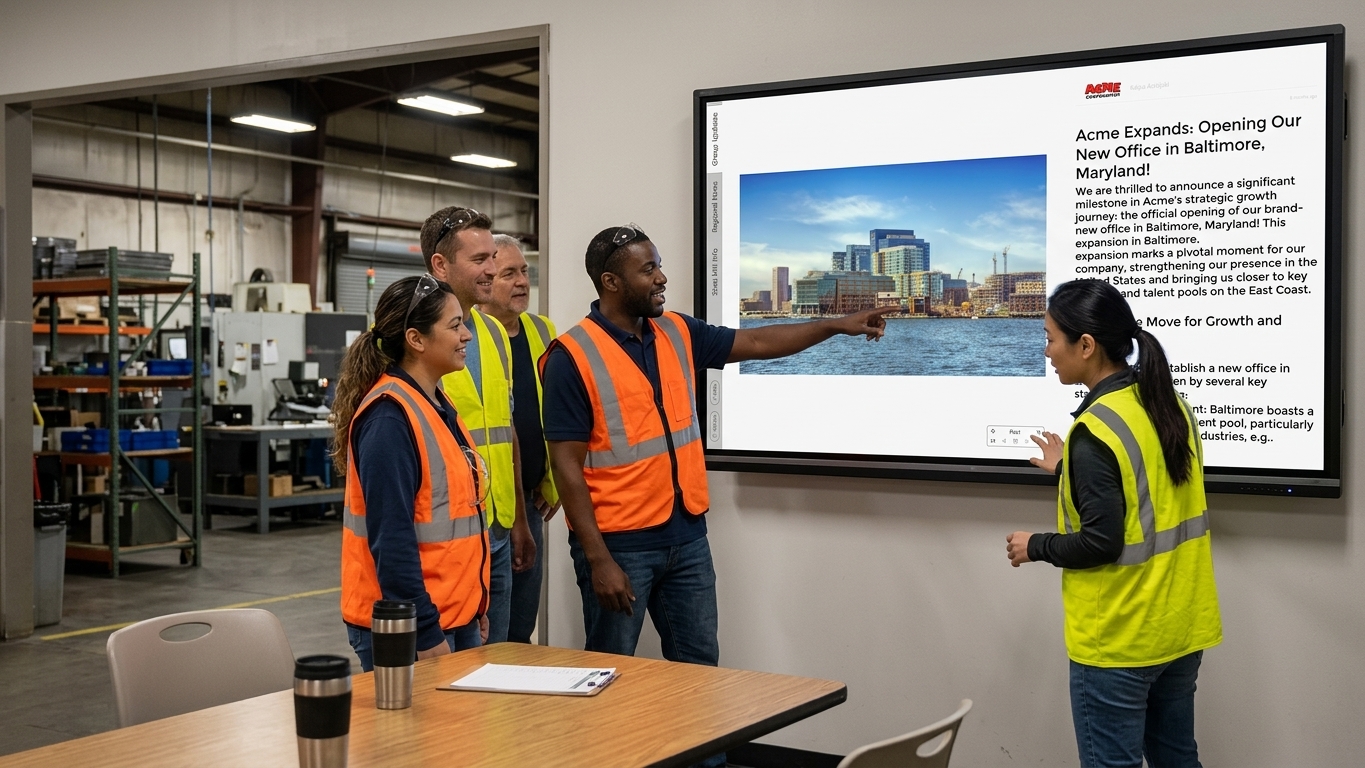
Partly. An andon light signals one state — running, stopped, waiting, alarm — instantly, at the machine. It can’t tell you why, for how long, or how the other lines are doing.
Floor screens add that context. Status arrives as data, refreshing automatically, so it can show anywhere in the plant beside the numbers that explain it. When a line stops, a full-screen Status Alert takes over every display at once.
One requirement: the status has to exist somewhere Valotalive can read — a BI dashboard, an MES or SCADA web view, a spreadsheet, an ERP report. Valotalive displays it; it doesn’t poll machines.
Who Uses Production and Shop Floor Communication Displays?
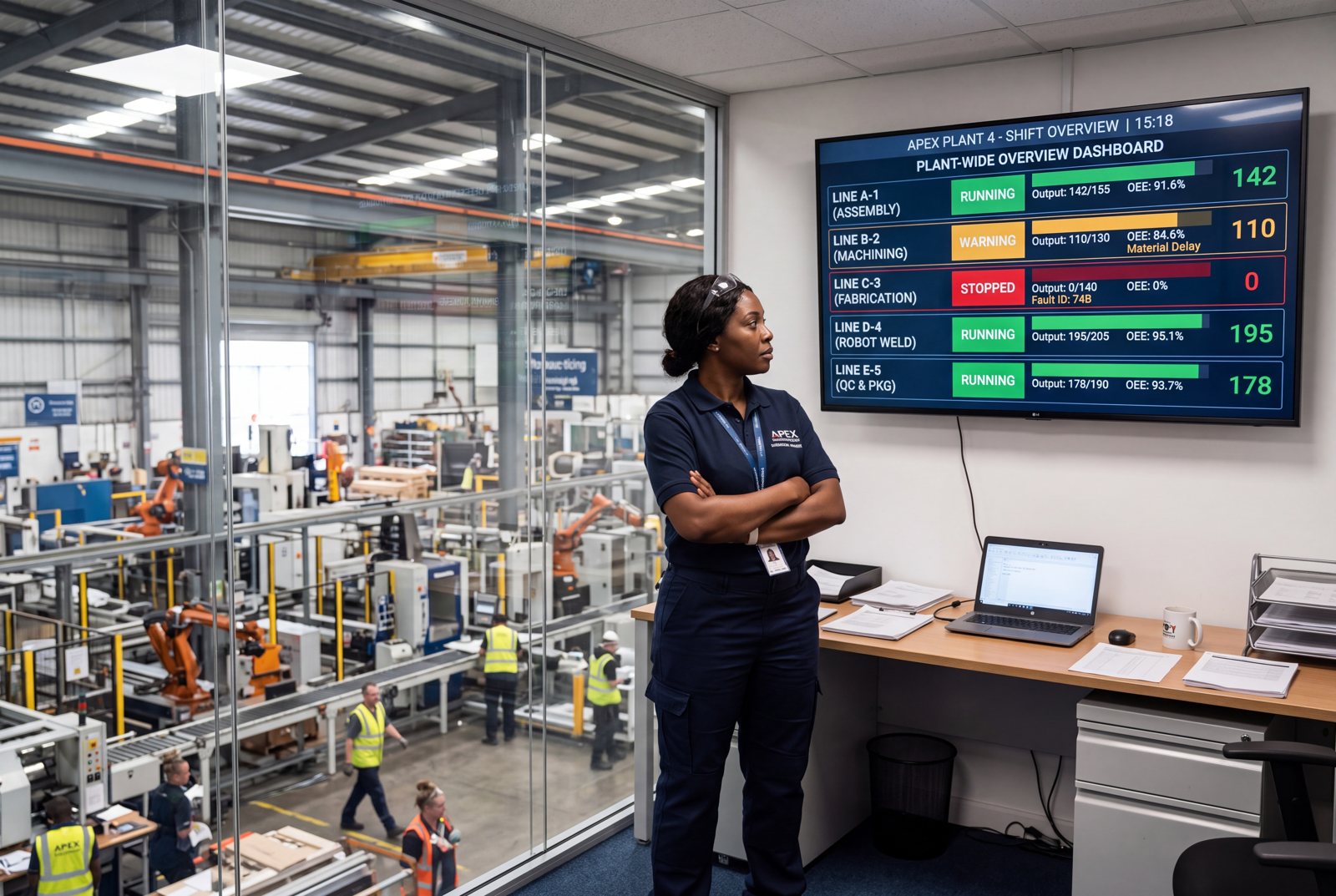
Operations and production managers. Get one operational picture that is the same in every area and on every shift, without maintaining a separate board per department. Standardise what the floor sees across sites while letting each site keep its local content. See at a glance whether the information people are acting on is current — because it comes from the source system, not from someone’s memory of last week’s report.
Shift supervisors and team leads. Post the shift’s priorities once, from a phone, and have them on the right screens before the shift starts. Stop printing the same A4 every morning. Hand over to the next shift against a screen that already shows what’s running, what stopped, and what’s still open — instead of a verbal summary and a notebook. Use the same screen for the briefing or tier meeting itself when the team gathers.
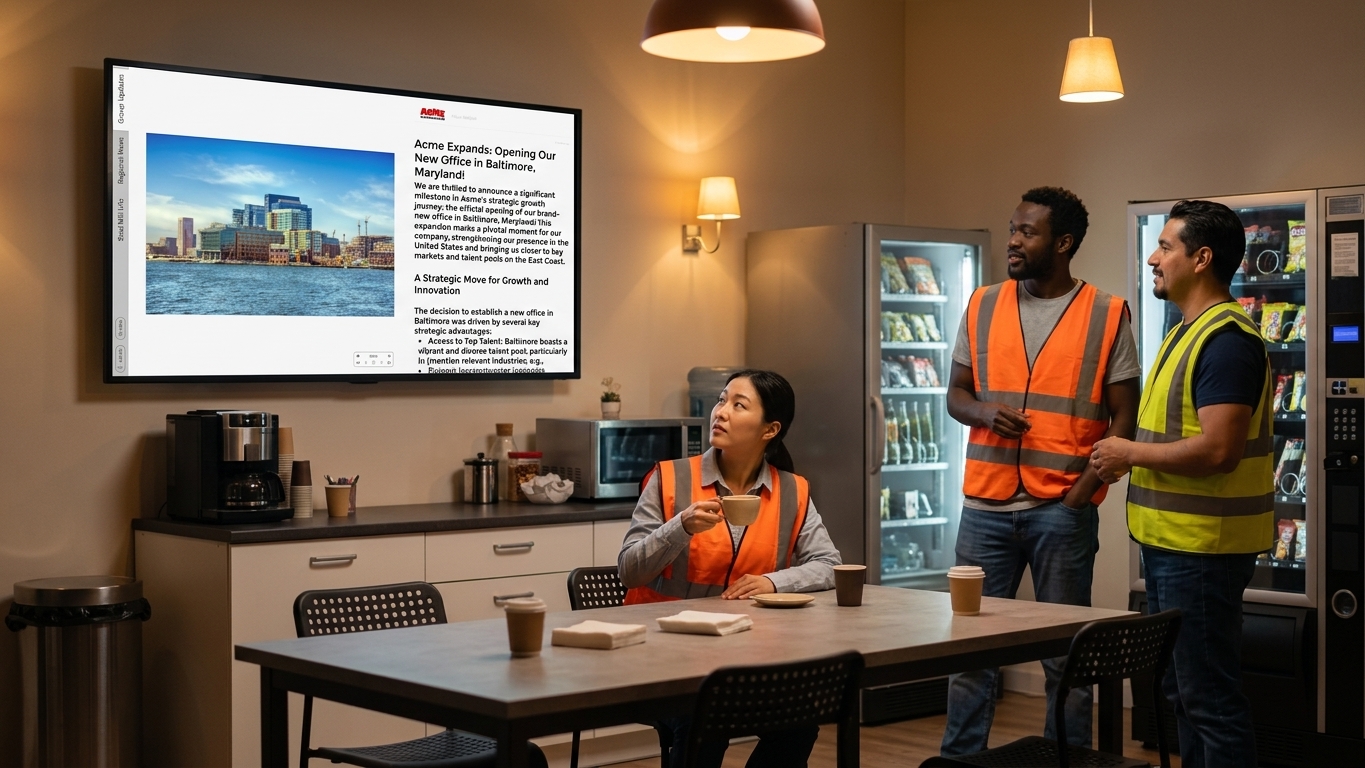
HR and Internal Communications. Reach the employees who don’t have email, a desk, or a reason to open the intranet — on the screens they already look at for operational reasons. Company news, policy updates, and culture content share the rotation with production content rather than competing with it for a separate channel nobody checks. Target by site, department, or shift so each group gets what’s relevant.
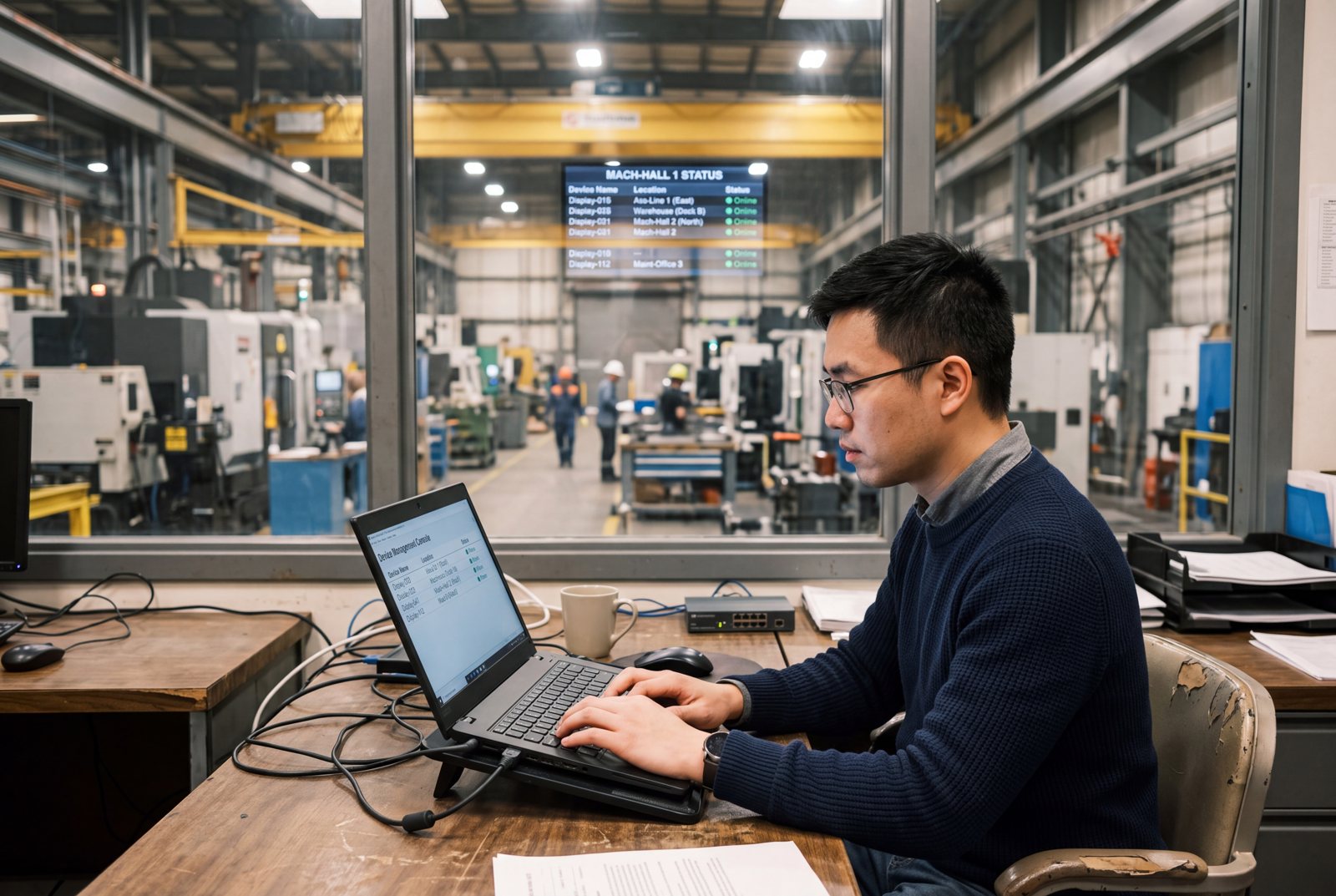
IT teams. One managed fleet instead of a laptop and a monitor per screen. Devices run on Chrome OS or Windows with central device management, content sources authenticate once with secure tokens rather than shared credentials on the floor, and access rights are managed by role from the same console as everything else.
What Changes When Operational Information Moves onto Floor Screens?
Information stops depending on someone remembering to pass it on.
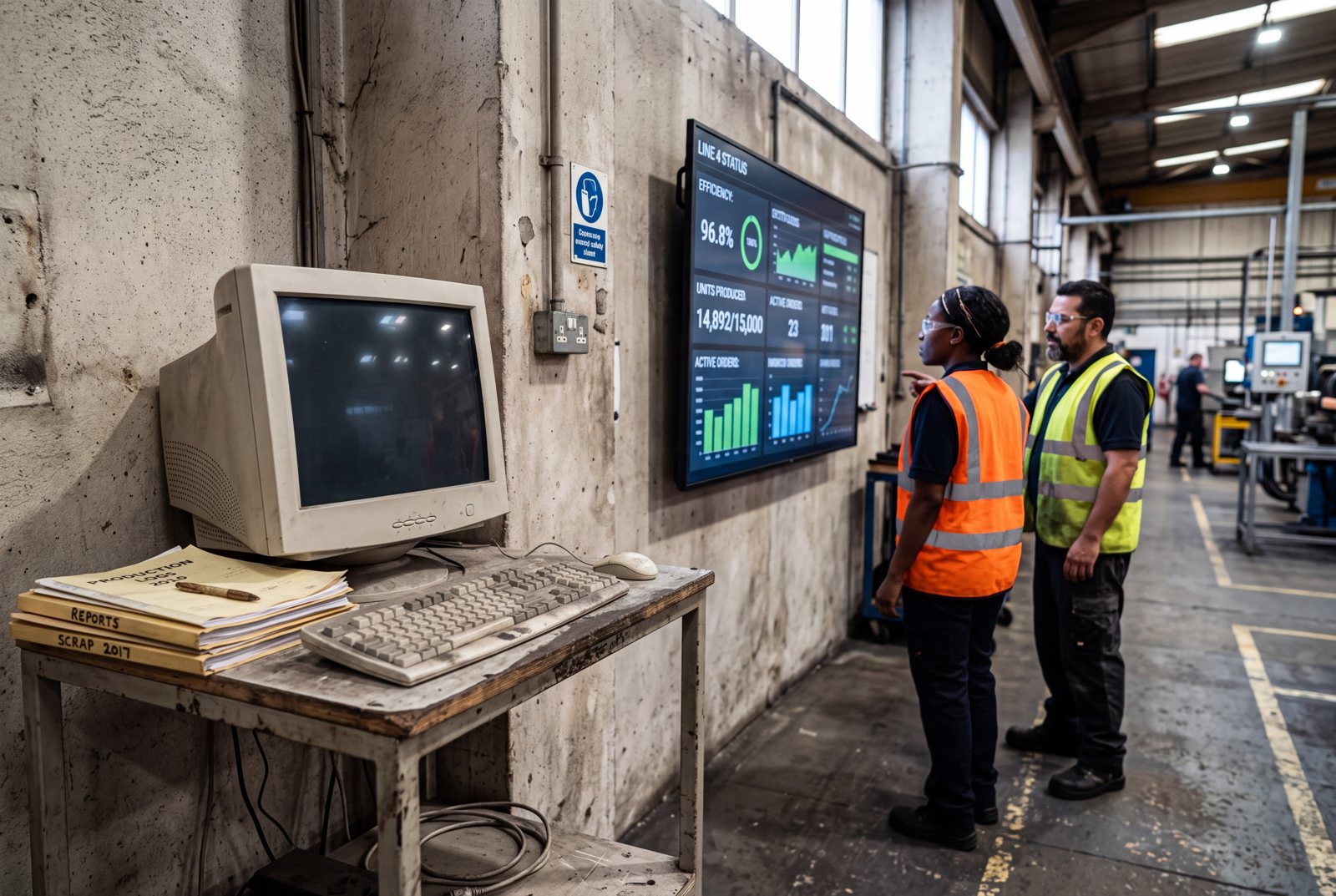
- The shared computer on the floor is the honest version of the problem: it’s there, it works, and deskless workers don’t use it.
- Screens in the work area ask nothing of the viewer — people are informed by walking past.
- One manufacturing customer calls their version an “active info display”: an always-on interactive screen with the relevant information on tabs, placed specifically to replace the shared PC nobody logged into.
The information on the wall stops being out of date.
- Content refreshes from the source systems — there is no maintenance ritual to fall behind on.
- Nobody walks the floor with a marker. Nobody prints yesterday’s report.
- Shift handovers start from a shared, current picture instead of one person’s account of it.
- When something changes, it reaches every screen at every site at once.
How Does Shop Floor Communication Fit Into a Broader Platform?
Production and shop floor communication is one use case of the Valotalive workplace display platform. The same screens, the same console, and the same integrations also run live production dashboards, shop floor and tier meetings, safety and compliance displays, and corporate communications — with 50+ integrations including Power BI, SAP, SharePoint, Teams, and Excel. Most customers start with one screen and one purpose, then add the others to the same fleet rather than buying a second system. The full picture for manufacturing sites is on the digital signage for manufacturing page.
Frequently Asked Questions
Shop floor communication is how operational information reaches the people working in a production area — shift instructions, production targets, line and machine status, quality notes, and urgent notices. Traditionally it travels by printed reports, whiteboards, supervisor briefings, and word of mouth. Digital shop floor communication puts the same information on screens in the work area, updated automatically from the systems that already hold it.
A production dashboard is one type of content on the screen — live KPI data from your BI tools. Shop floor communication is the whole channel: the dashboard, plus the shift instructions, the notices, the safety reminder, the line status, and the company message, scheduled and targeted as one system. If you only want BI data on floor screens, start with the production dashboards use case.
Put the screens where the work is — production lines, warehouses, break rooms, locker rooms, plant entrances — and require nothing from the viewer. No login, no personal device, no app. Workers see current information walking past. When they want more detail, the Interactive Notice Board lets them browse it by tapping the screen, without an account.
Power BI, SAP Analytics Cloud, Microsoft Excel, Google Sheets, Qlik Sense, Tableau Public, SharePoint, PowerPoint, Microsoft Teams, and any web-based dashboard through the Web App. Your own posts, notices, and images go up through My Content. The full list is on the apps and integrations page.
Yes. Screen Groups let you group displays by site, building, area, line, or shift, and target content to each group. Combined with Flows, you can also schedule different rotations for different times of day — a shift-start briefing at the beginning of each shift, a different rotation in the warehouse than on the line.
Yes, two ways. Emergency Messages sends a free-text alert from the Valotalive dashboard and can be targeted to specific displays or groups. Status Alerts pushes a pre-designed full-screen alert — line stoppage, evacuation, maintenance, all-clear — to every connected display from a shared browser link, with no login required at the moment you trigger it. Status Alerts is currently in early access, available on request.
Yes. One tap switches the display into a Digital Tier Board — a structured meeting workspace with KPI pillars, drill-down into live data, and action tracking. When the meeting ends, the screen returns to always-on operational content automatically. Running the meeting itself is covered on the shop floor meetings page.
No. Valotalive runs on standard commercial displays with a Chrome OS or Windows device, managed centrally. Interactive modes need a touch-enabled display, or a connected mouse. If the screen is mounted out of reach, Valotalive Control lets people select content from their phone instead.
Most teams have a first screen running the same day — sign up in a browser, connect a data source or post your first notice, and assign it to a display. Building out the full targeting across areas and shifts is the part worth taking time over.
Get Started With Shop Floor Communication

1. Start your free trial
Sign up in your browser — no credit card, no installation, no new hardware needed.

2. Connect one source
A Power BI or Excel report you already maintain, a SharePoint page, or just your first post in My Content.

3. Display on your screens
Use Screen Groups to target by area, line, or shift, and go live in minutes.