Updated October 27, 2026
A digital signage buyer’s guide, or buying guide, helps you decide what to check before you choose a platform for your workplace screens. This guide is for manufacturing and logistics companies that want live production data, safety information and company news on screens where the work happens, and it is written for the people who usually run the evaluation: operations and Lean managers, Data and BI teams, and IT.
It covers what to decide first, how to get live data on screens without manual work, when you need interactive boards, what IT should check, which players and screens to use, how pricing works, and how to run a pilot. It ends with a list of questions to ask every vendor.
What should you decide before you compare digital signage platforms?
Decide what the screens should achieve before you look at products. A platform that is good for lobby videos is not necessarily good for live production KPIs. Agree on four things:
- Outcomes: for example safer work, live production performance, data-driven daily meetings, or reaching employees who don’t use email or the intranet.
- Locations: production lines, tier-meeting areas, warehouses, break rooms, lobbies.
- Data sources: which systems the content comes from, such as Power BI, Excel or SharePoint.
- Owners: who keeps each screen current.
Our guide to planning a digital signage content strategy walks through these steps with a content map you can copy. Involve the people who will own the result early: the Data or BI team for the data, operations for the shop-floor content, communications for company news, and IT for security and devices.
How do you get live production data on screens without manual work?
Many sites start with a laptop next to a monitor that shows a Power BI report, or with printouts on a board. Both break down quickly: the laptop goes to sleep, installs updates or needs someone to sign in, every screen is set up by hand, and printouts are out of date by the time the team reads them.
When you evaluate a platform, check that it can:
- Connect to your data sources directly. Valotalive has 40+ app integrations, including Power BI, Excel, SharePoint, Qlik Sense, Tableau Public and SAP Analytics Cloud. Data from MES or ERP systems usually reaches the screen through a tool like Power BI or Excel.
- Refresh the data on its own, at an interval you set.
- Show a different view on each screen from one report. In Valotalive, you can apply up to six Power BI filters to each Power BI app on screen, so each site or line can see its own numbers from the same report (filter views on the Power BI app).
- Keep screens running without anyone signing in on them. Valotalive connects to Microsoft with tokens, not passwords, so the screens don’t sign in with their own Microsoft account. Your Microsoft token policy decides how long a connection stays valid before its owner reauthorizes it.
- Combine local and company-wide content in one centrally managed view. Multiview splits a screen into zones, for example the line’s own production report next to company safety news, and you manage every site from one account.
Also ask what happens when a connection expires. In Valotalive, the owner of the connection reauthorizes it, for example after a password change (how to reauthorize an app).
Do you need passive dashboards, interactive boards, or both?
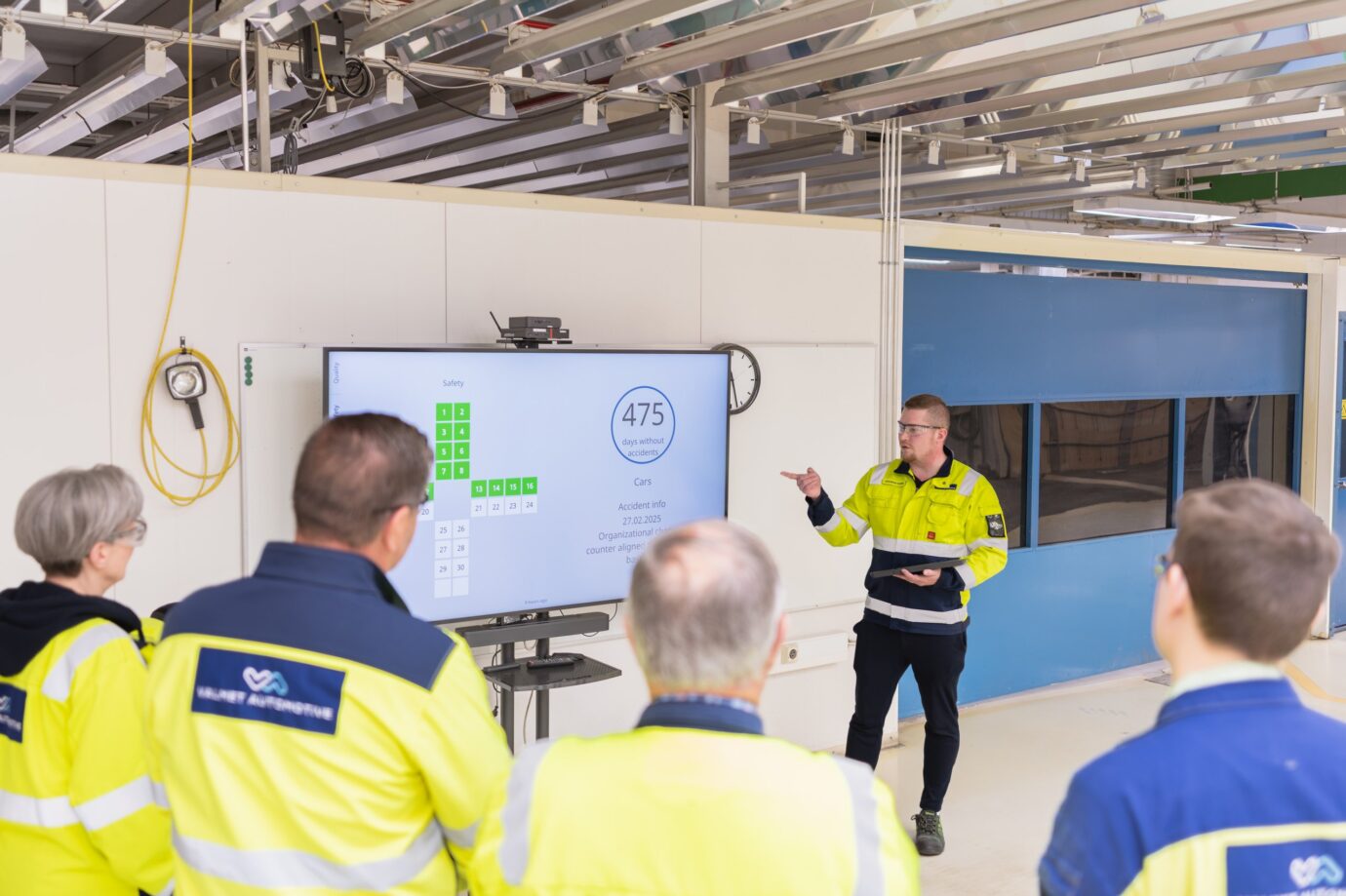
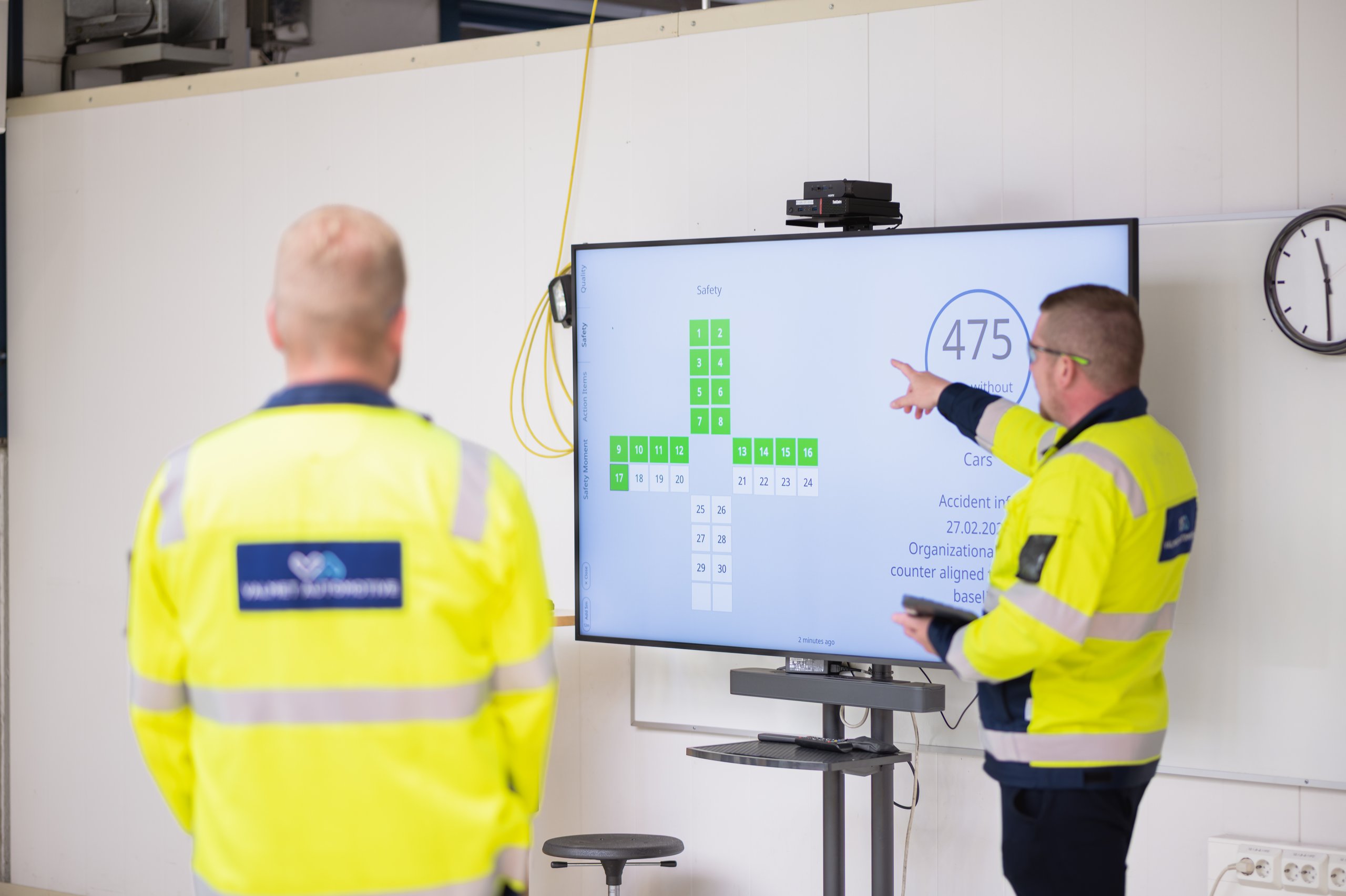
Most screens are passive: they show a playlist that updates itself and nobody touches them. Daily management is different. In tier meetings, short daily team meetings that go through safety, quality, delivery and other pillars, the team needs to open the data behind a KPI, move between topics and update action items on the screen.
Check whether one platform can do both, so you don’t run a signage system for the passive screens and a separate kiosk setup for the meeting boards. In Valotalive, the Digital Tier Board shows live production data, safety updates and company news between meetings, and becomes an interactive meeting board, used by touch or mouse, when the meeting starts. The Interactive Notice Board does the same for employee information. Both are in early access, are paid add-ons, and run on Windows and Chrome OS players. Read more about running shop floor meetings on screens.
What are the parts of a digital signage system?
Every digital signage system has four parts:
- Screens on the wall, on a stand or on a trolley.
- Media players: small computers that connect a screen to the service and show the content. Some professional displays have the player built in.
- Software: the cloud service where you build playlists, connect data sources, target screens and manage devices.
- Network: each player needs an internet connection.
The software matters most for the long term. Older systems were content management tools for uploading slides and videos by hand. Modern digital signage software connects to the business systems you already use and updates the screens automatically, so nobody has to rebuild a slide when the numbers change. It also runs as a cloud service, so there is no server to install on site.
What should IT check before you buy digital signage?
IT usually decides whether a platform can be used at all. Bring IT in during the evaluation, not after it. These are the points IT typically checks, with Valotalive’s answers:
- Sign-in: single sign-on with SAML 2.0 is available with Microsoft Entra ID, Okta and Google. It is switched on by Valotalive’s team on request, for a one-time fee (security and GDPR FAQ).
- Access to company data: Microsoft connections use OAuth, the Power BI integration asks only for read permissions, and in most organizations an Entra ID admin approves the app first (Microsoft authentication and consent). The Power BI integration works with multi-factor authentication and Conditional Access, because Microsoft runs the sign-in.
- Users and roles: role-based access control, separate tools for admins and content editors, and activity logs.
- Data location: the service runs on AWS in the EU (Ireland) region and complies with GDPR. Valotalive has CASA Tier II certification, assessed by TAC Security. See the security page.
- Network: players need outbound HTTPS (TCP 443) to a published list of addresses, over Wi-Fi or Ethernet. Players can also sit in their own network segment (VLAN), separate from office computers (network requirements).
- Device management: one dashboard shows which screens are online, and players can be reloaded remotely. Chrome OS players are locked to kiosk mode and managed through Google Admin, which needs a Chrome Enterprise Upgrade licence, or Valotalive manages them for you as a paid service. Windows players run in kiosk mode.
- Network outages: content that can be cached keeps playing if the connection drops and syncs when it returns. Live sources such as Power BI need a connection, so plan reliable network access for data screens (admin dashboard).
- Multiple sites: screens are grouped by site, area or function, and content is targeted to each group from one account.
Which media players and screens work on the shop floor?
Valotalive runs on Chrome OS devices, Windows mini PCs and Samsung Tizen 7 displays, with Android TV in early access (supported operating systems). Chrome OS is the recommended option and is also available as a managed device that you plug in and go. A browser-based web player lets you test a screen without installing anything.
For the screens themselves:
- Reuse what you have. A media player such as a Chromebox connects to screens of any size and type, so you can often reuse the displays you already own.
- Match the screen to its hours. Professional displays are rated for 16 or 24 hours a day. A screen that only runs during shifts doesn’t need a 24/7 model.
- Plan for the environment. On the shop floor, think about brightness, dust, how far away people stand, and whether the screen needs touch for meetings.
How is digital signage software priced?
Most platforms charge a subscription per screen, monthly or yearly. Some price each app or data source separately, some include all apps in one rate, and large deployments get volume pricing. Interactive features are often add-ons.
Valotalive publishes its prices: a pay-as-you-go plan billed per app and display, a flat rate per display that includes all apps, and enterprise pricing from 20 displays. The Digital Tier Board and Interactive Notice Board are priced per company, and monthly subscriptions are billed by the day.
Compare the total cost, not only the licence. Include media players and screens, installation, device management, single sign-on, onboarding and training, and the time your IT and BI teams need to connect data and approve the service. With Valotalive, single sign-on has a one-time fee, managed Chrome OS devices and onboarding are optional paid services, and these costs are listed on the pricing and security pages.
How do you test a platform before you roll it out to every site?
Run a pilot on one line, one area or one site before you commit:
- Pick two or three outcomes and the screens that serve them.
- Connect the real data sources, not demo content.
- Name an owner for each screen.
- Run IT’s security and network checks during the pilot, not after it.
- Agree up front what success looks like, for example deviations spotted and acted on during the shift instead of at the next review, and screens that stay current without manual updates.
Valotalive has a 14-day free trial with no credit card, and the web player lets you show content on any screen with a browser during the trial. For multi-site or interactive setups, plan the IT approvals before the trial starts, and consider Valotalive’s onboarding and training service to get the pilot running quickly.
Which questions should you ask digital signage vendors?
- Which of our data sources can you connect to directly, and how often does the data refresh?
- Can one report show a different filtered view on each screen?
- Do screens need a user to sign in, and what happens when a connection expires?
- Can the same platform run passive screens and interactive meeting boards?
- Which single sign-on providers do you support, and what permissions do you need in our systems?
- Where is our data stored, and how do you comply with GDPR?
- What network access do the players need?
- Which media players and operating systems do you support, and can we reuse our existing screens?
- How do we manage screens across several sites from one place?
- What is the total cost per screen per year, including add-ons?
- What happens on screen when the network drops?
- When is support available, and in which time zones?
- Can we run a pilot with our own data before we buy?
For more, see digital signage for manufacturing and our how-to guides for workplace digital signage.
Try Digital Signage Today and unlock the Benefits for your Business
Start your free trial and experience the innovative world of Valotalive digital signage for yourself.